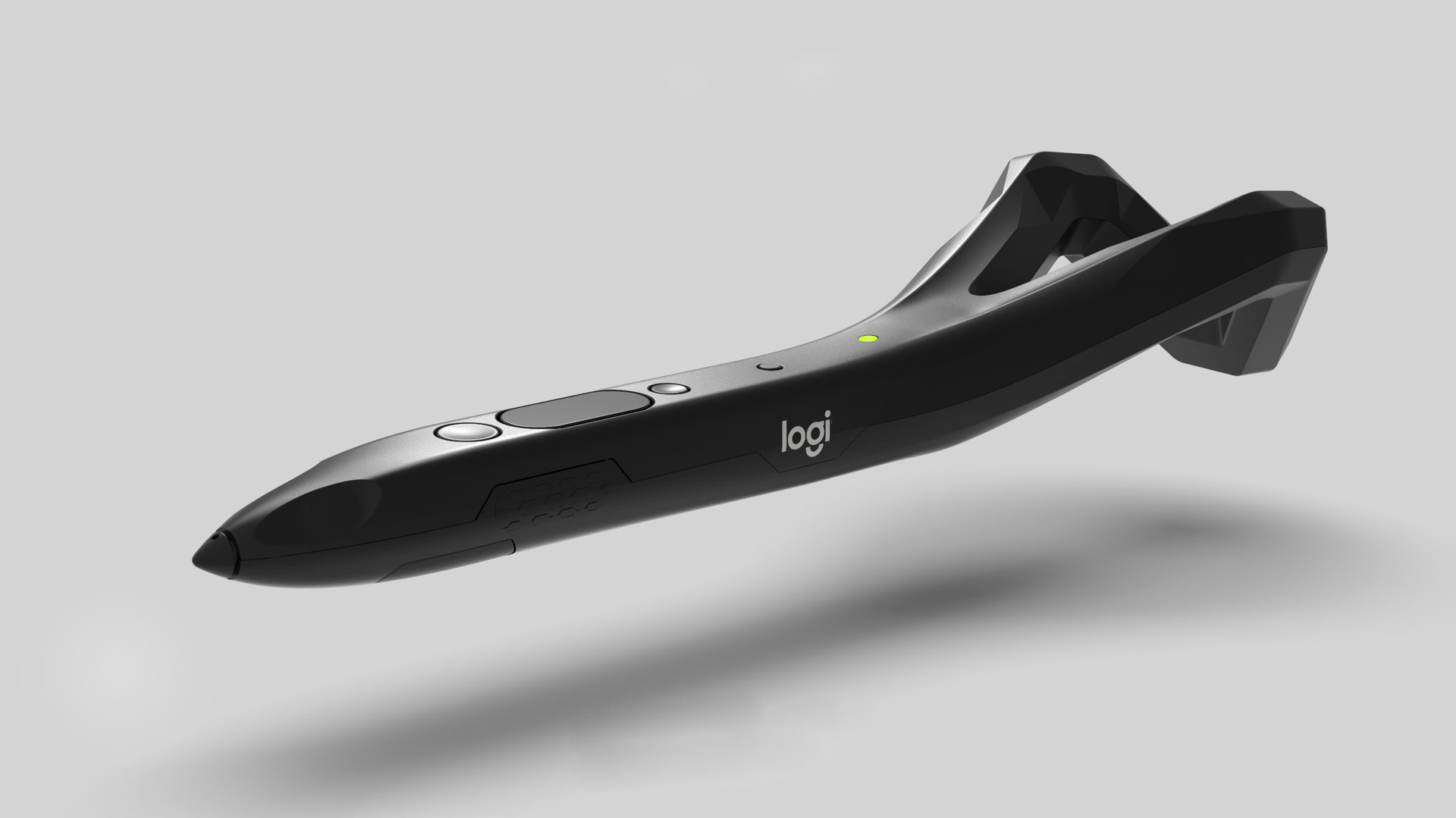
This driver enables customization of certain features of your VR Ink, such as changing parameters for the analog inputs (tip and primary), changing the activation threshold of the grip buttons and reviewing the status of the stylus. Ultimately it will allow you to tailor the behaviour of VR Ink to your specific needs.
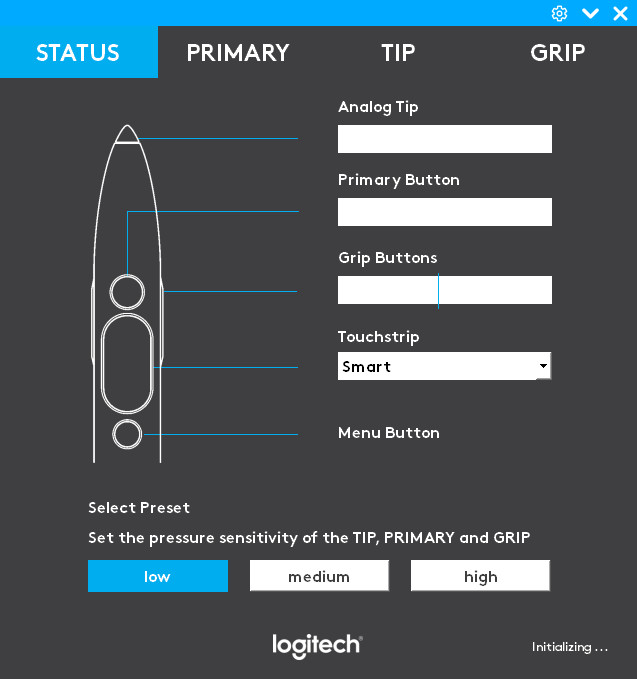
The main UI allows you control over:
- Pressure response for the Analog Tip (Drawing on a surface)
- Pressure response for the Primary Button (Drawing in Air)
- Adjusting the threshold for the Grip Buttons (Grip action)
- Settings for the Touchstrip
The UI is accessible from the Desktop (Windows system tray). Your device specific settings are stored on your PC. The VR Ink Driver creates a “virtual device” (identified with a different icon in the SteamVR status window). This is essentially a software duplicate of a physical device, via which the driver applies specific smart processing on the raw inputs of the device such as pressure curves, touchstrip rejection handling, etc.